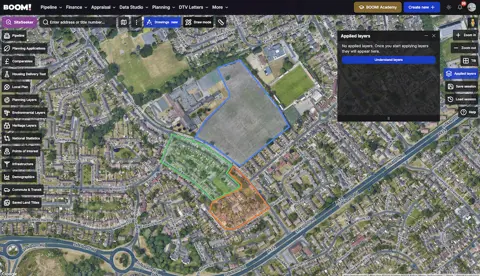
You can now hover over any mapped building in BOOM! and see what it is used for, how old it is and what it is built from — without opening a planning file or driving out to look at it.
That matters most for conversion strategies. A Class Q barn conversion turns on the building being agricultural, and a Class MA conversion turns on it being commercial. Building Use tells you which one you are looking at before you spend an afternoon on it.
What the Building Use layer shows you
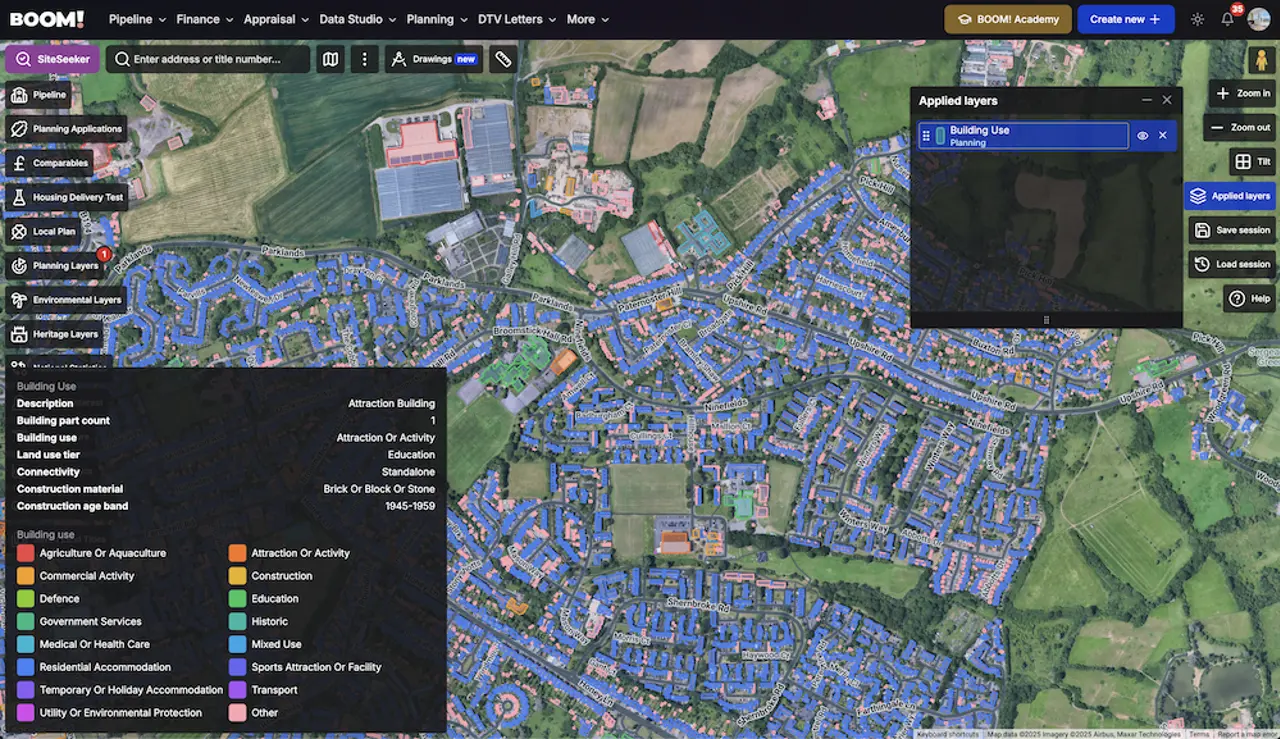
Switch on Buildings under the Planning layers in Data Studio. Buildings are coloured by use — agricultural and aquaculture, commercial activity, residential accommodation, education, transport and a dozen more categories — and hovering one opens a panel with:
- Building use — the registered use category.
- Description — a plain-English summary.
- Land use tier — what the land it sits on is registered as.
- Building part count — how many parts make up the footprint.
- Connectivity — whether it is attached to other structures.
- Construction material and construction age band.
- Number of floors and footprint area in m².
Construction material and age band are the two people skip and then regret. A steel-frame portal barn and a stone barn of the same footprint are different conversion projects with different structural reports behind them. The age band is a fast first sort: Class Q turns on the building having been in agricultural use on a qualifying date, and a building that clearly went up after it is not worth checking further.
Integrated with SiteSeeker
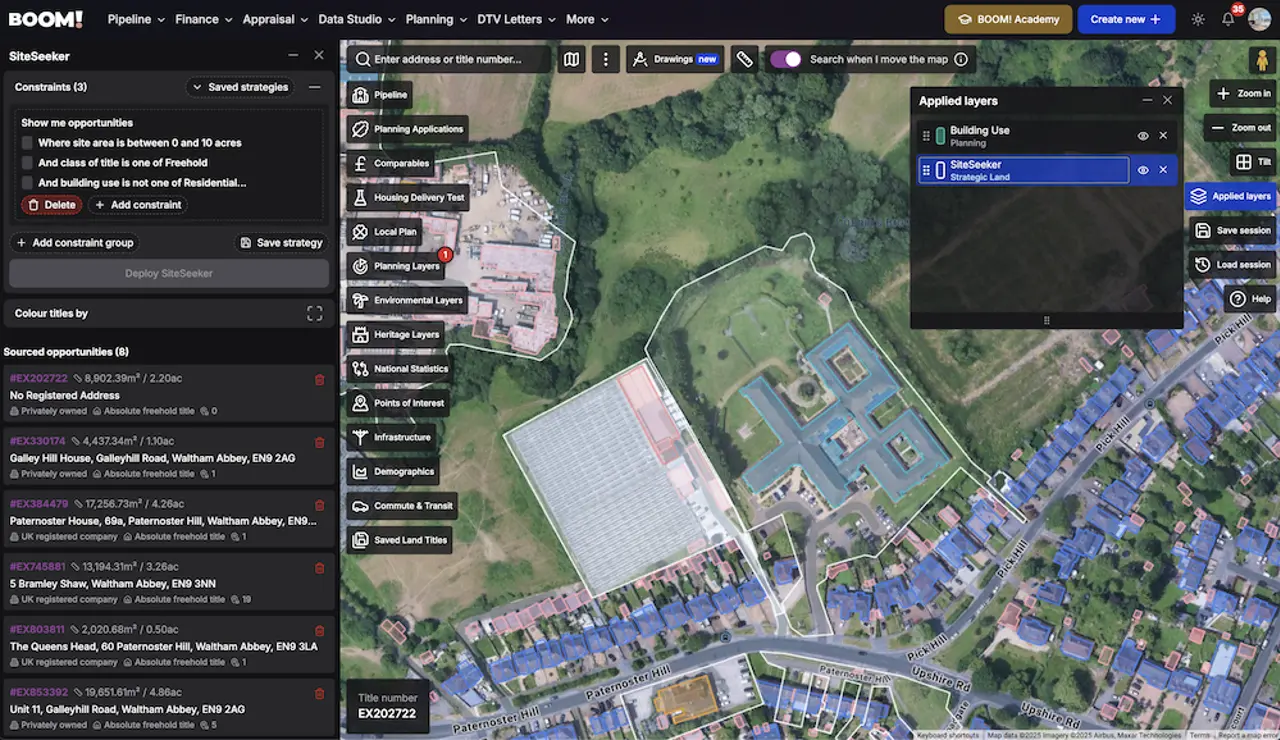
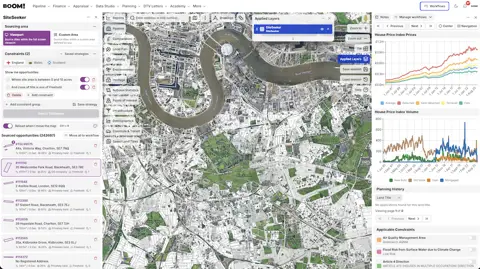
Building Use is not only a layer. It is also a SiteSeeker constraint, alongside building description, connectivity, construction material, period, floor count, footprint area and height — so you can search on it rather than look for it.
Two searches worth setting up:
- Class Q candidates — filter building use to agriculture or aquaculture, add a footprint area range that gets you a viable dwelling, and cross-check the construction age band. Our Class Q guide covers what the permitted development right actually allows.
- Commercial-to-residential candidates — filter for commercial activity and check the use class. Our guide to use classes explains which starting class gets you where.
Why it saves you money
Most wasted sourcing time goes on buildings that were never eligible for the strategy you had in mind. A barn that turns out to be a modern agricultural store built after the qualifying date, or a unit you assumed was commercial and is actually a dwelling, costs you an afternoon each. Filtering the ineligible ones out at the map stage is the cheapest due diligence there is.
Building Use is live for all members. Open the layers panel, turn Buildings on, and run it over a patch you already know — the use categories you were guessing at are the ones to check first.